

Set the Market Minute Plan on OnePlace to send your clients a monthly email including a link that will direct them to a one minute video tour of how the real estate market is currently trending. The video will touch on trends such as the number of current listings available, median list and sold prices as well as days on market and the number of units sold.
You can set the plan up for individual clients or to a group of clients. The plan requires you to select a zip code before completion, so make sure to create designated groups based on their area of location or interest.
Here’s what to do:
Log in to OurOnePlace.net
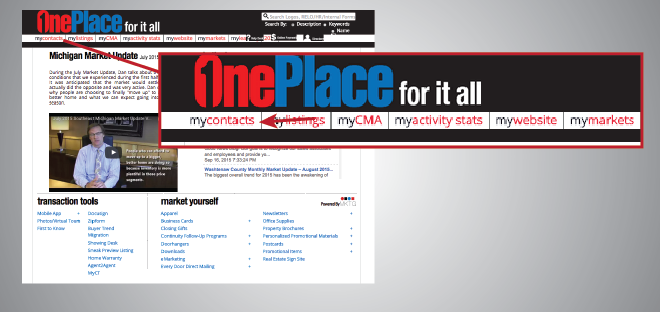
Click “My Contacts”
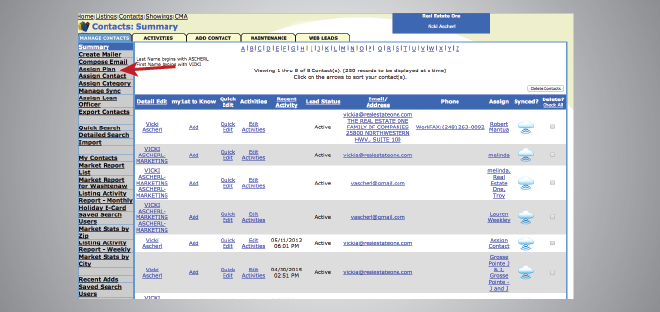
Search the contact you would like to send the plan to (or select the group you would like to send the plan to), then click “Assign Plan” in the left hand menu.
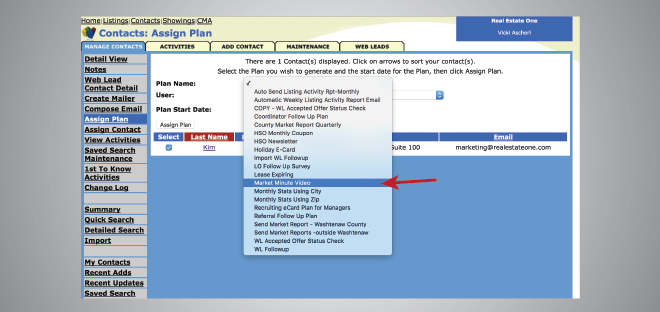
Click the Plan Name drop down menu and select “Market Minute Plan.”
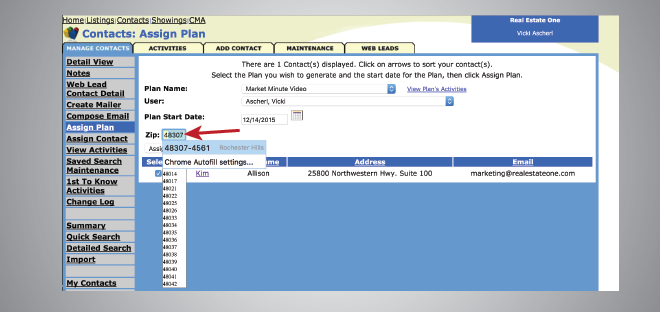
Now, type in the zip code that you would like the Market Minute Video to feature. Make sure you only do the first five digits of the zip code.
Last, click the Assign Plan button.
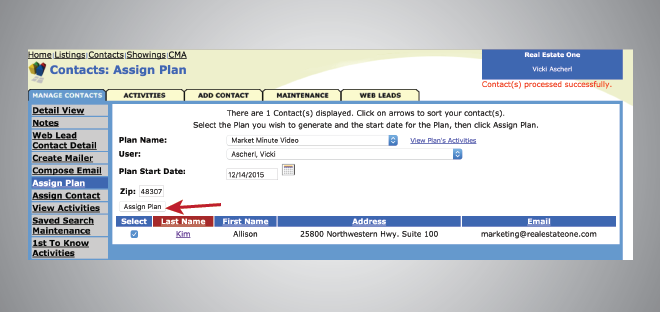
The Market Minute Plan is now assigned to the clients of your choice. It will hit their inboxes on the 11th of each month.
Other Recent Posts

2020 Year Achievements Flyer
Despite the challenges, 2020 was a great year for our family of companies. Share our accomplishments with your network and clients with this new flyer, featuring our top accomplishments and numbers from 2020. A [...]
What’s New #4 – New Folders & Stationery
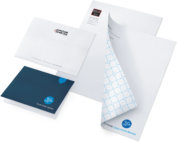
What's New 4 - New Folders & Stationery Elevate your everyday communication efforts with personalized stationery and matching folders. All available at GSIprint.com (login and password below). Brand Real Estate One Max Broock [...]
Email Signature Generator
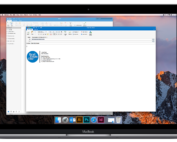
Make sure your last impression is a great one with our new email signature generator.